ShowCode Studio
Deboss Text
Deboss Text
Couldn't load pickup availability
- Designed specifically for Showit
- Digital Download
Please note this effect is hard to see on small thumbnails. Visit the demo link to get the full effect.
Deboss Text Effect brings a popular logo design technique onto your Showit website.
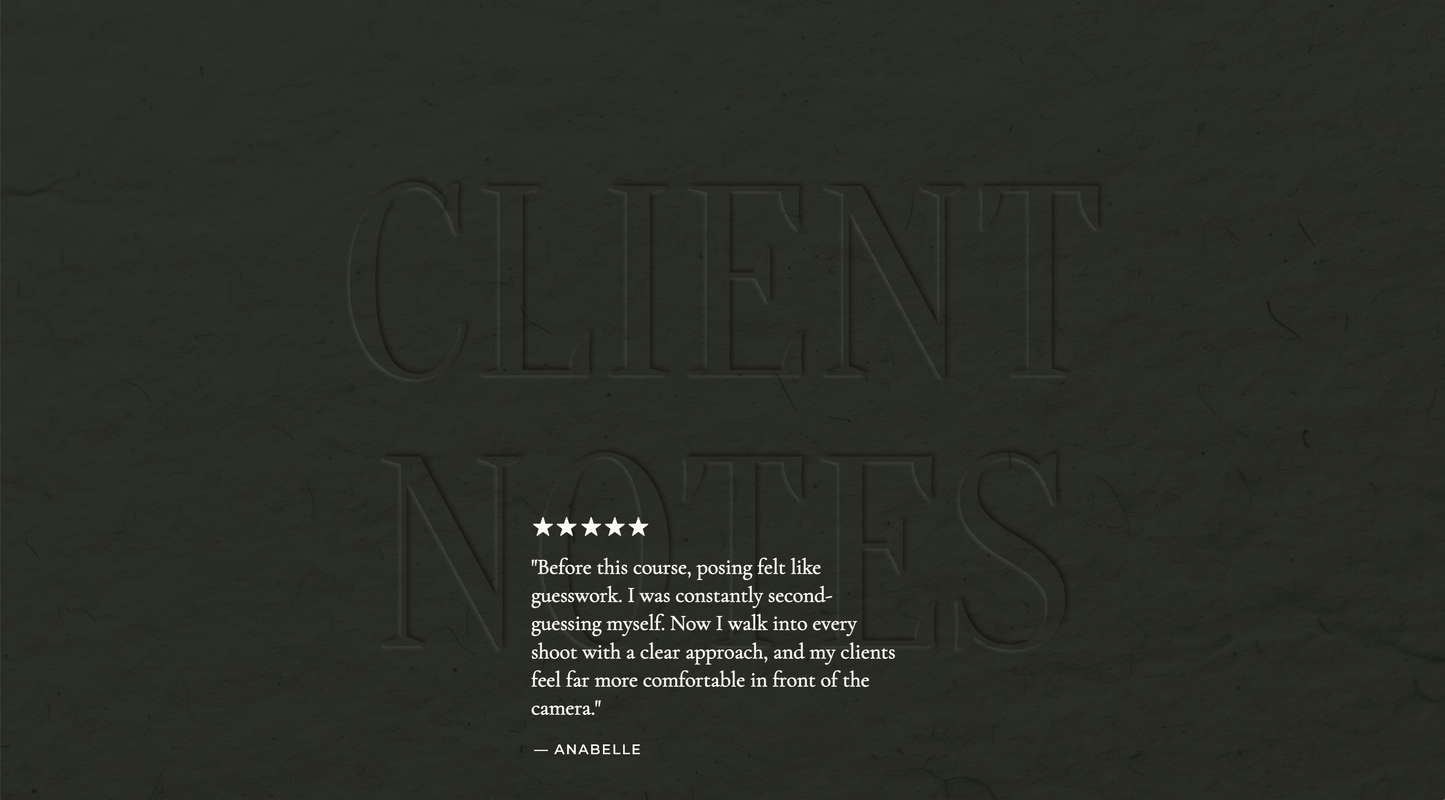
You've seen this effect in luxury branding where text appears pressed directly into the surface rather than sitting on top of it. It's subtle, but it instantly creates more depth, dimension, and visual interest.
Now you can achieve that same look on your Showit website.
Instead of flat typography, your headings and any other text can take on a soft engraved appearance that feels intentional, polished, and beautifully integrated into the design itself.
You simply add the provided code, apply a CS Selector, and the effect is ready to go.
YOU CAN CUSTOMIZE:
- Multiple deboss intensity options included
- Apply the effect to any text element
- Two paper overlay backgrounds (light and dark)
**Recommended for use only on darker text colors on either the same dark background or a light background (See examples)
WHAT'S INCLUDED:
A simple step-by-step PDF guide is included with your purchase.
Installs in minutes using Showit’s Custom Head Code area and CS Selectors.
Simply copy and paste the provided code, apply the included selector to any text element, and the deboss effect is instantly applied.
Works seamlessly across desktop and mobile with no additional setup required.
A small detail that can completely change how custom your typography feels.
Installation
Installation
You’ll get a clear, step-by-step PDF so you can add this into your Showit site without going down a rabbit hole.
All code is designed specifically for Showit and tested across screen sizes so it actually works the way it should.
And if something feels off, you’re not on your own — I’m here to help during the support window.
Support
Support
Includes support for installation and basic setup questions.
If something isn’t working the way it should, I’ll help you get it sorted.
More advanced customizations or design tweaks aren’t included, but I’m always happy to point you in the right direction.
Licensing
Licensing
Single-use license for one Showit website.
If you’re using this across multiple client sites, a license is required for each.
Credit & Usage
Credit & Usage
Credit is required when this code is used on a live site.
This can be as simple as tagging @showcodestudio on social or including a visible or linked credit where appropriate.
Share